Create a VMware Cloud Director API token
Overview¤
This guide details the steps required to create an API Token in VMware Cloud Director (VCD)
Steps¤
- Log in to the AUCyber Portal
-
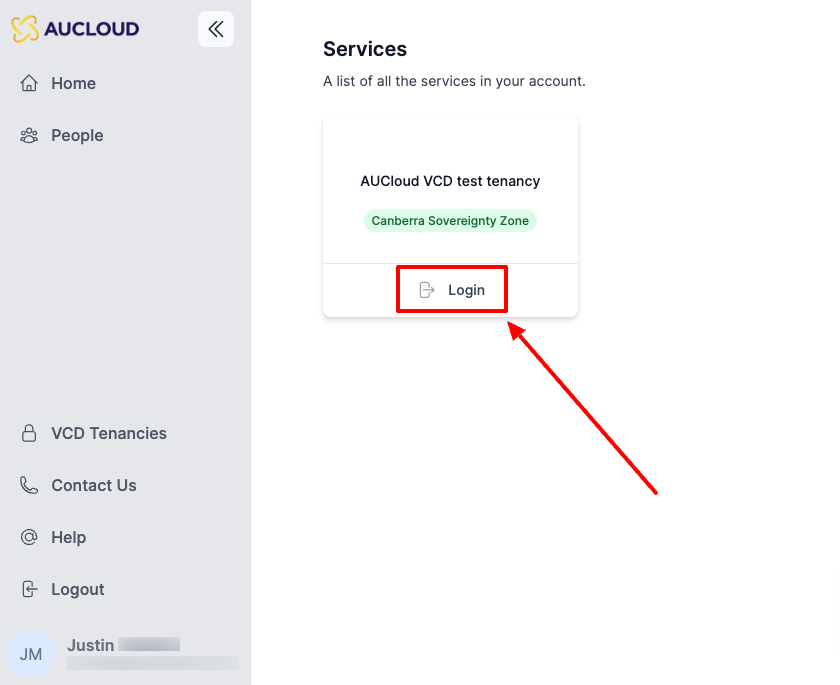
Log in to the tenancy that you want to connect to:
-
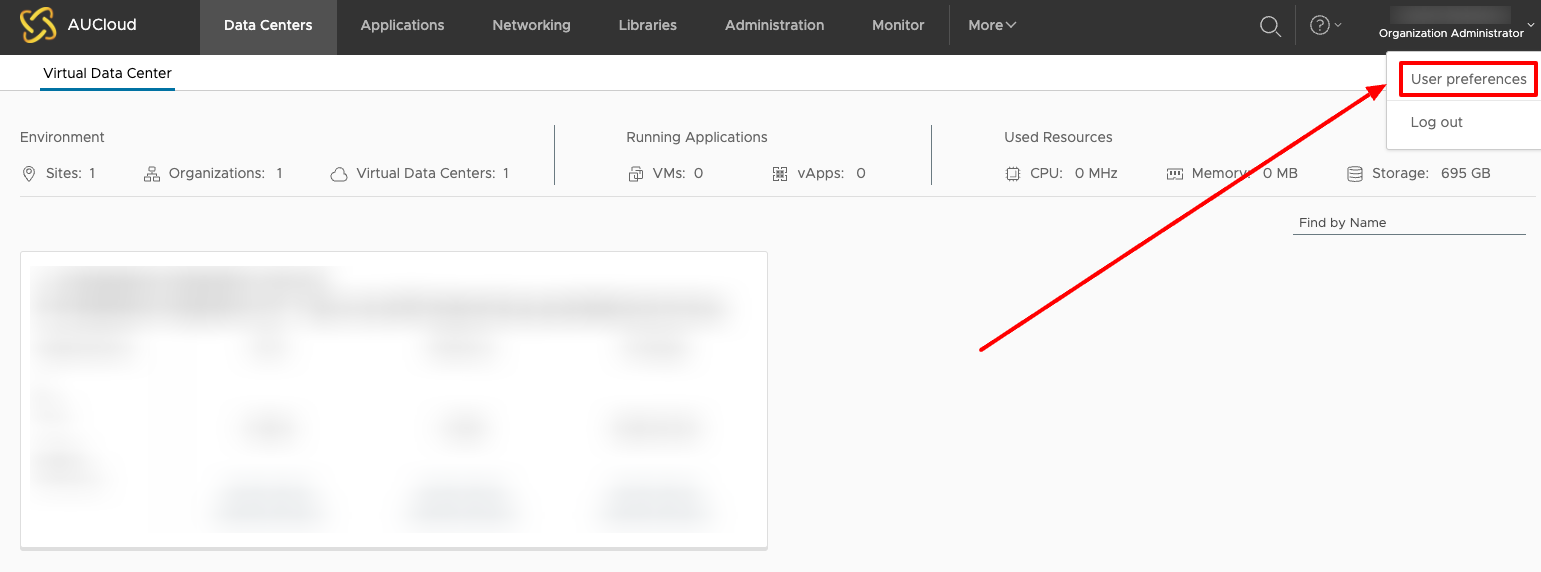
In the top right-hand corner, click on your name, then "User Preferences":
-
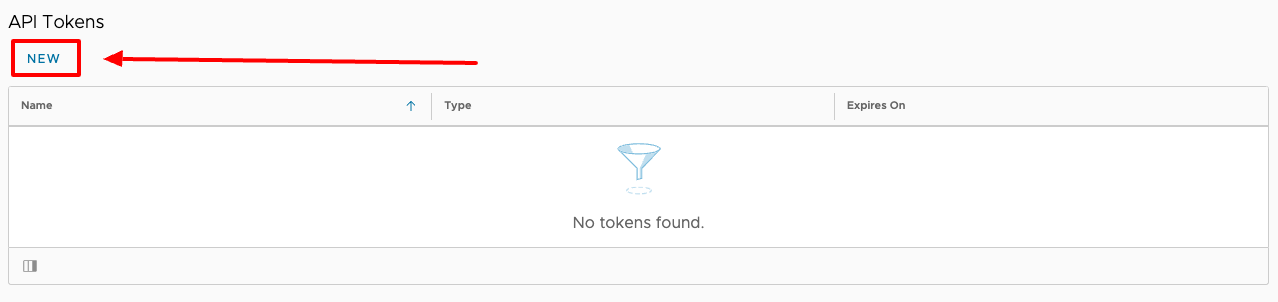
Scroll down to the "API Tokens" section and click "New":
-
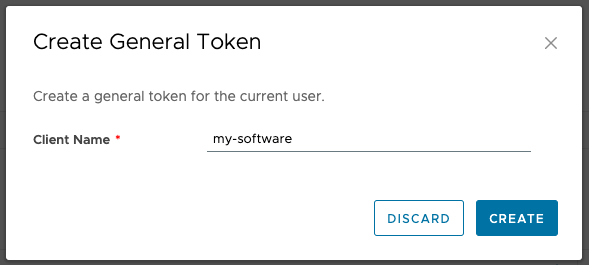
Enter a Client Name, this is the name of the client that will be using this token. It is useful to create a separate token per client so that you can control access on a per client basis.
-
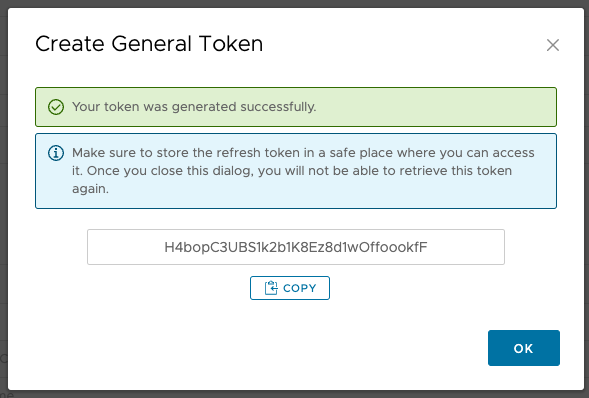
Copy your newly generated API token and save it somewhere safe:
-
After you close this dialogue you will be presented with the list of your API Tokens, you can come back to this list at any time to revoke a token that you have created:

Note
An API token has the same role and permissions as the user that created it. Sessions authenticated with an API token cannot change passwords, manage users or create further API tokens.
Once you have your token, follow Authenticating into VMware Cloud Director to exchange it for a bearer token.