Initial Steps (first login)
Overview¤
If you previously had an account on the legacy Portal, you'll be able to log in using the same email address. This guide details the process of the initial login and MFA setup.
If you are looking for a guide on how to create a new user account as an administrator, please click here
Initial Setup¤
AUCyber's strong security controls mean that passwords and 2FA credentials are encrypted in our database, preventing us from copying existing passwords and 2FA devices to our new Portal. This means that it is necessary for you to set a password and set up 2FA for your new portal account before you're able to log in for the first time.
You can begin setting up your new portal account by following these simple steps:
- Open the web browser on your device.
- Enter the URL for the new portal: https://portal.aucyber.com.au
- Enter the email associated with your old portal account and click 'Log in'.
- You will be redirected to auth.aucyber.com.au to log in securely.
-
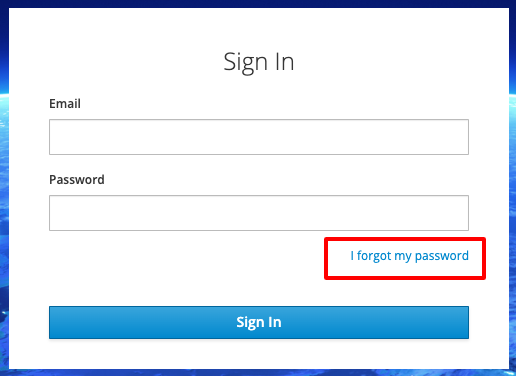
Click Forgot Password? (this is necessary for setting your password for the first time).
-
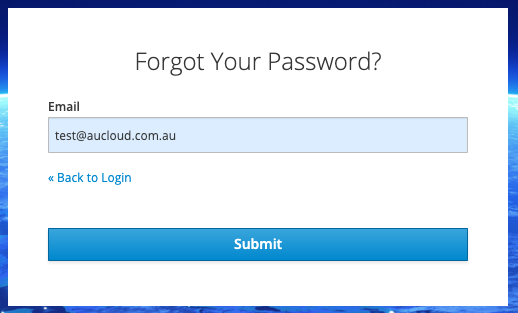
Click Submit.
-
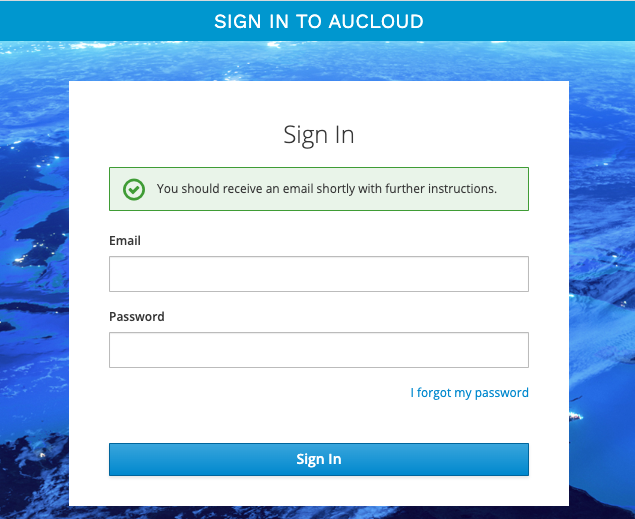
An email will be sent to your inbox with instructions to follow to complete your password reset.
-
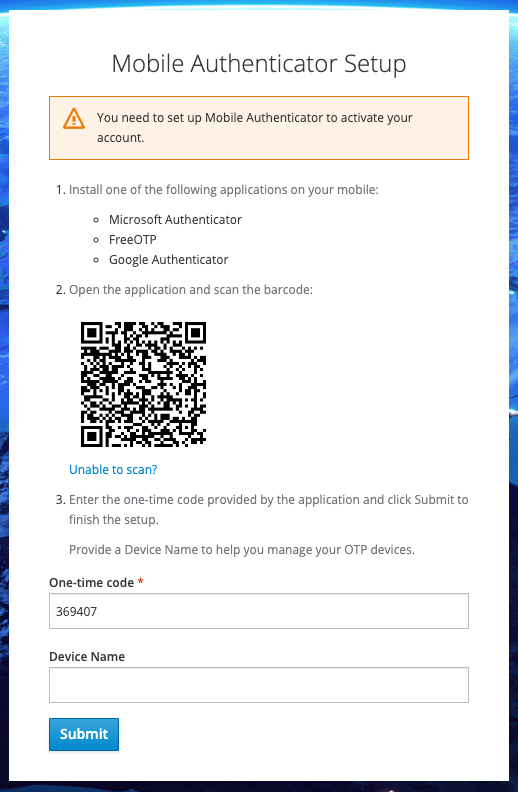
You will be prompted to setup your Mobile Authenticator. Follow the instructions to install application on your mobile.
- For One-time Code, enter the code from your Mobile Authenticator app.
-
Click Submit to complete the setup.
-
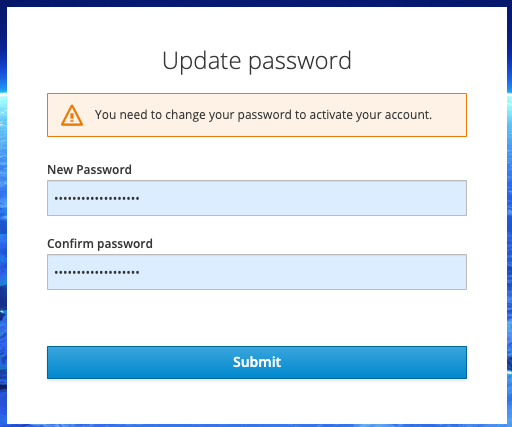
You will be asked to change the password for your account. Enter your New Password.
- Confirm your new password by enter it again in Confirm Password.
-
Click Submit
You will have successfully logged into the new AUCyber Portal for the first time.
From here you can:
- Access VMware Cloud Director (VCD) tenancies
- Manage Users and Permissions with your organisation
- Account Self Management (user details and password)
If you require any further assistance please email the AUCyber Support Desk at support@aucyber.com.au
Forgot Password¤
- Go to the portal login page https://app.aucloud.com.au
- Enter your Email.
- Click Log In
-
Click Forgot Password?.
-
Click Submit.
-
An email will be sent to your inbox with instructions to follow to complete your password reset.
If you require any further assistance please email the AUCyber Support Desk at support@aucyber.com.au